
The Sweezy Cursors Guide
Eight detailed walkthroughs covering everything from the first install to designing your own pointer, choosing animated cursors and solving the cases where a page keeps the default arrow.
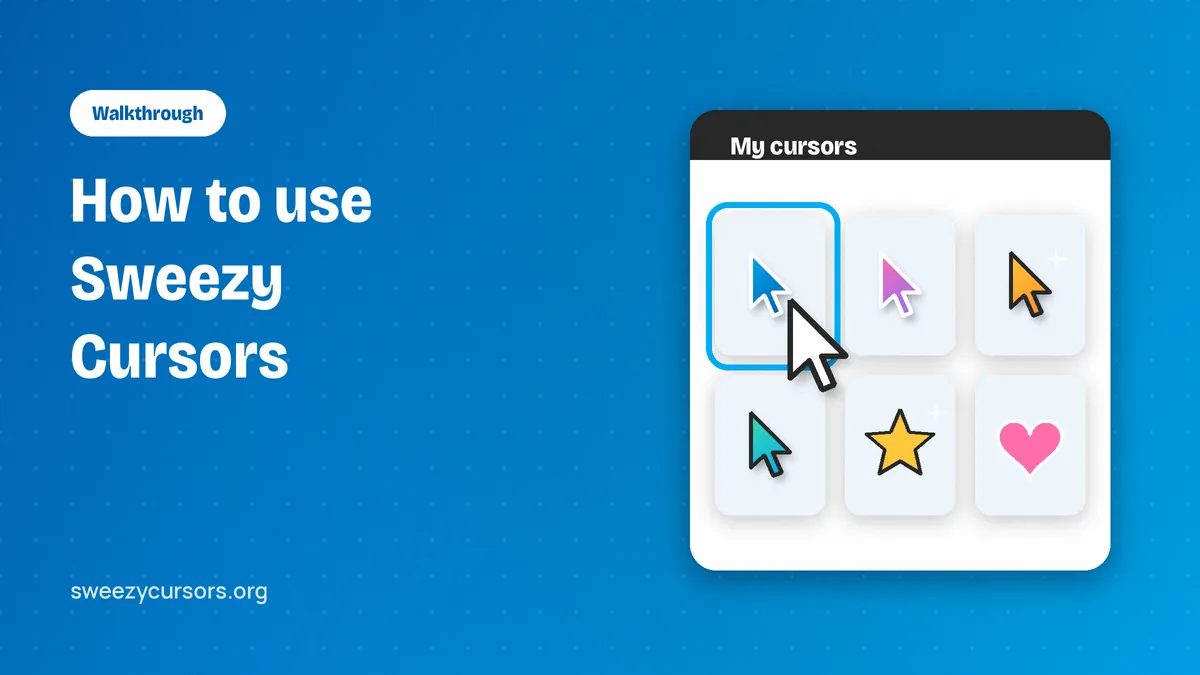
How to Use Sweezy Cursors: A Complete Walkthrough for Chrome
A practical walkthrough of Sweezy Cursors for Chrome, from picking your first custom cursor to uploads, the Constructor and known limits.
Read the guide →
Sweezy Cursors Install Guide: Adding the Extension to Chrome Step by Step
Step-by-step Sweezy Cursors install for every desktop system, plus pinning, a first-run check, updates, school Chromebook limits and removal.
Read the guide →
Sweezy Cursors for Mobile: What Works on Phones, Tablets and Chromebooks
An honest look at Sweezy Cursors for mobile: what Chrome on phones allows, which Android browsers may help, and why Chromebooks work best.
Read the guide →
Sweezy Cursors Free: What You Get at No Cost and How to Make the Most of It
What the Sweezy Cursors free catalog includes, where to download it safely, and practical ways to get more from every custom cursor design.
Read the guide →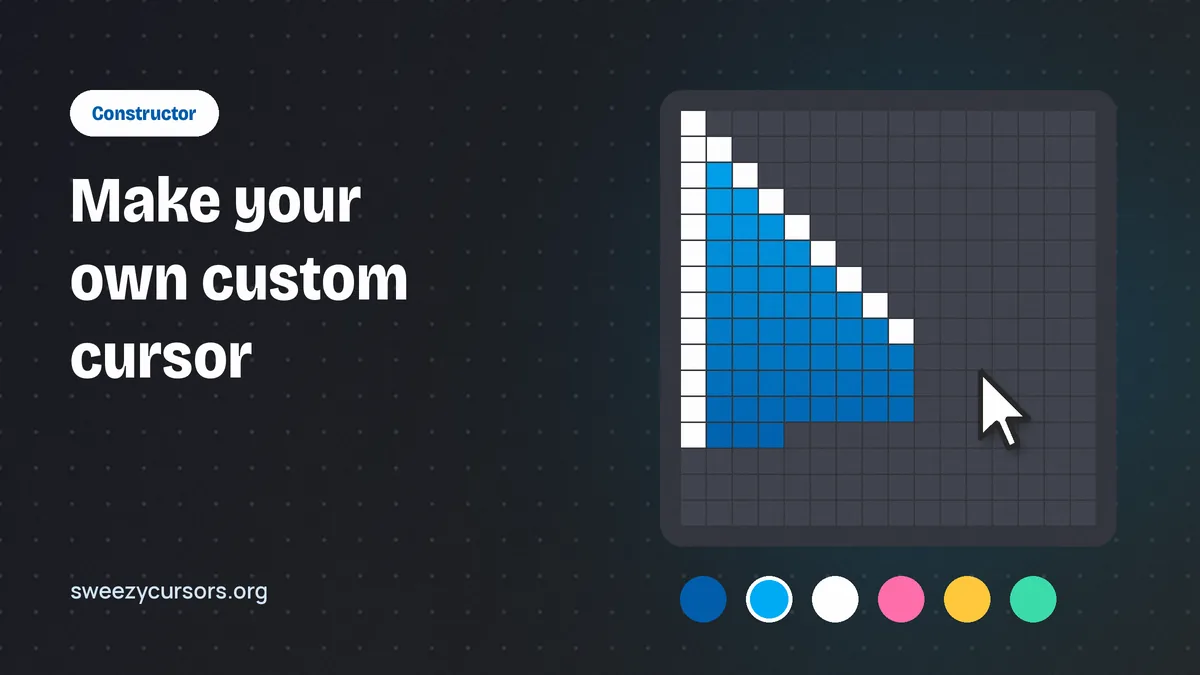
How to Make a Custom Cursor with Sweezy: Constructor and Uploads Explained
A practical walkthrough of the Sweezy Constructor and image uploads, plus the design rules that keep a custom cursor sharp and easy to aim.
Read the guide →
Sweezy Cursors Not Working? Practical Fixes for Every Common Problem
Why your Sweezy pointer disappears on some pages and how to fix it, from reloading tabs to site access, conflicts and blocked pages.
Read the guide →
Sweezy Animated Cursors: Collections, Styles and Choosing One That Fits
A practical look at Sweezy animated cursors, the collections they come from, and how to pick a custom cursor that suits what you are doing.
Read the guide →
Sweezy Cursors Download and Safety: Permissions, Privacy and Updates
How to get a safe Sweezy cursors download, read the permission warning correctly, understand the privacy terms and keep the extension updated.
Read the guide →